
Everyday care.
A shared place for it.
A family agenda, care routines, documents, and expenses — connected around the person you care for.
Know what’s next.
And who’s taking care of it.
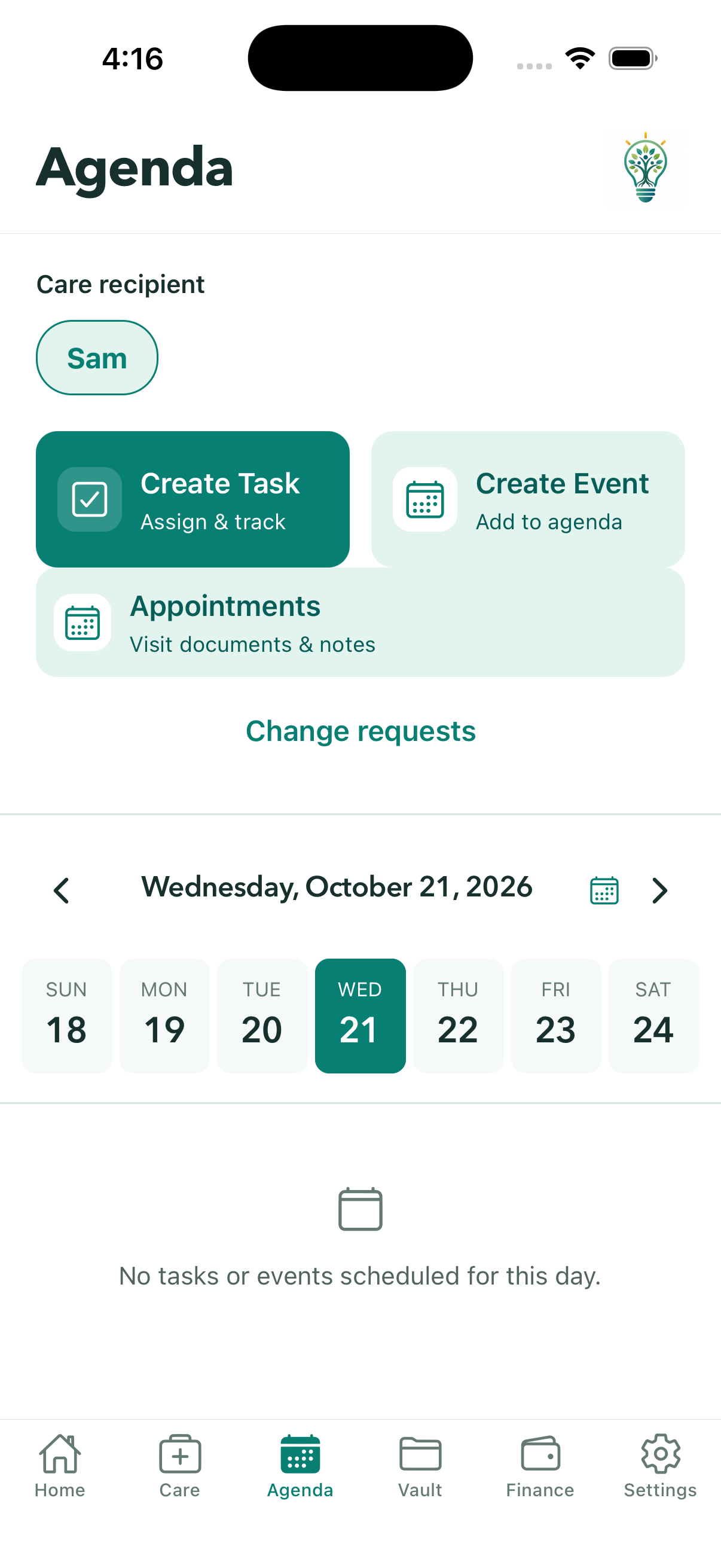
Make the next handoff a little easier. A shared agenda keeps the date, time, and caregiver alongside each task or event, so everyone can see the plan.
- Assign primary and backup caregivers.
- Let an assignee say “Unable to complete,” and pick up available assignments.
- See who created a task or event, and request a change from the agenda.
Keep the medication
routine in view.
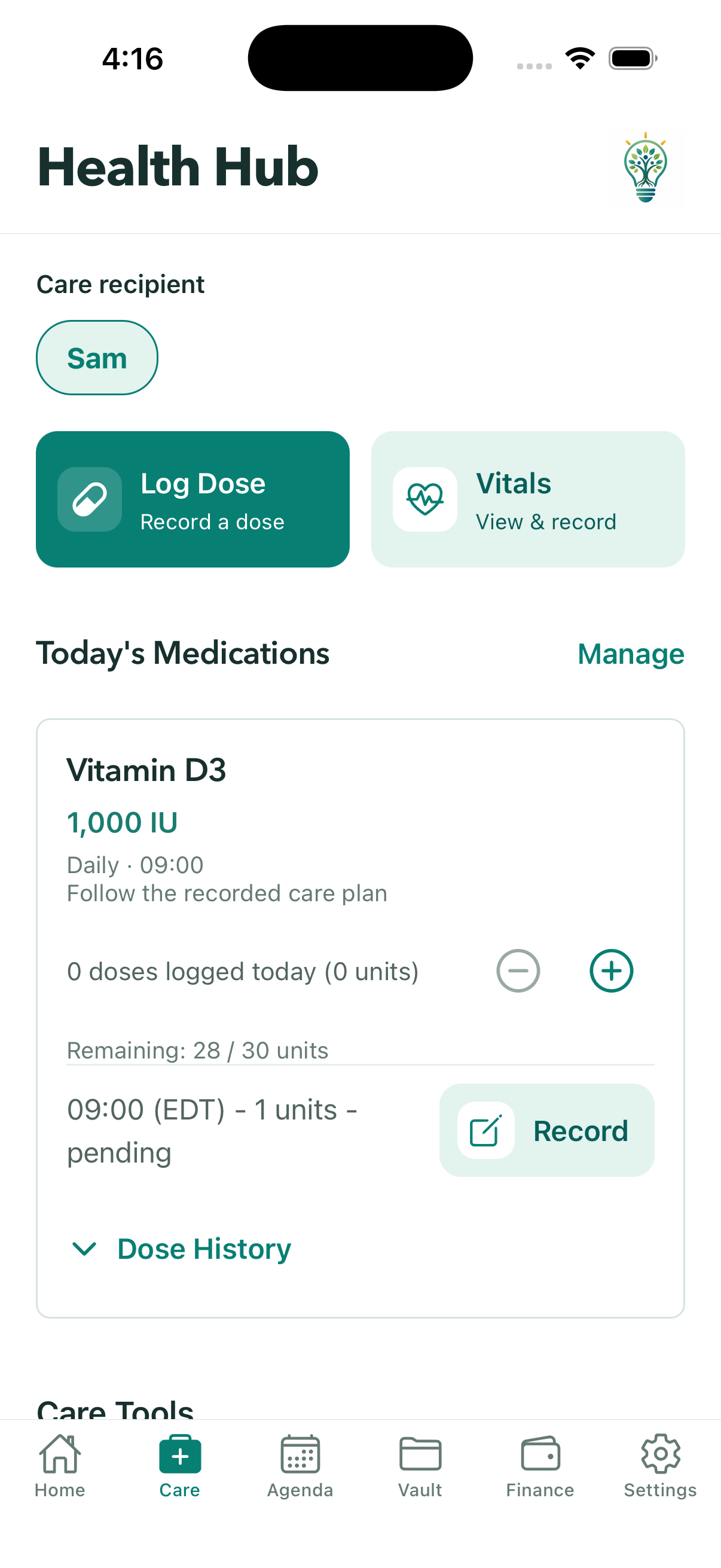
Keep the current medication list close at hand. Log doses and record pillbox preparation so the family can follow the routine without piecing together separate messages.
- Keep schedules together; optionally scan a medication label, then review the extracted details.
- Log a dose and correct a log when needed.
- Prepare for a week, two weeks, a month, or custom dates, with editable schedule-based amounts.
Small check-ins.
A clearer picture over time.
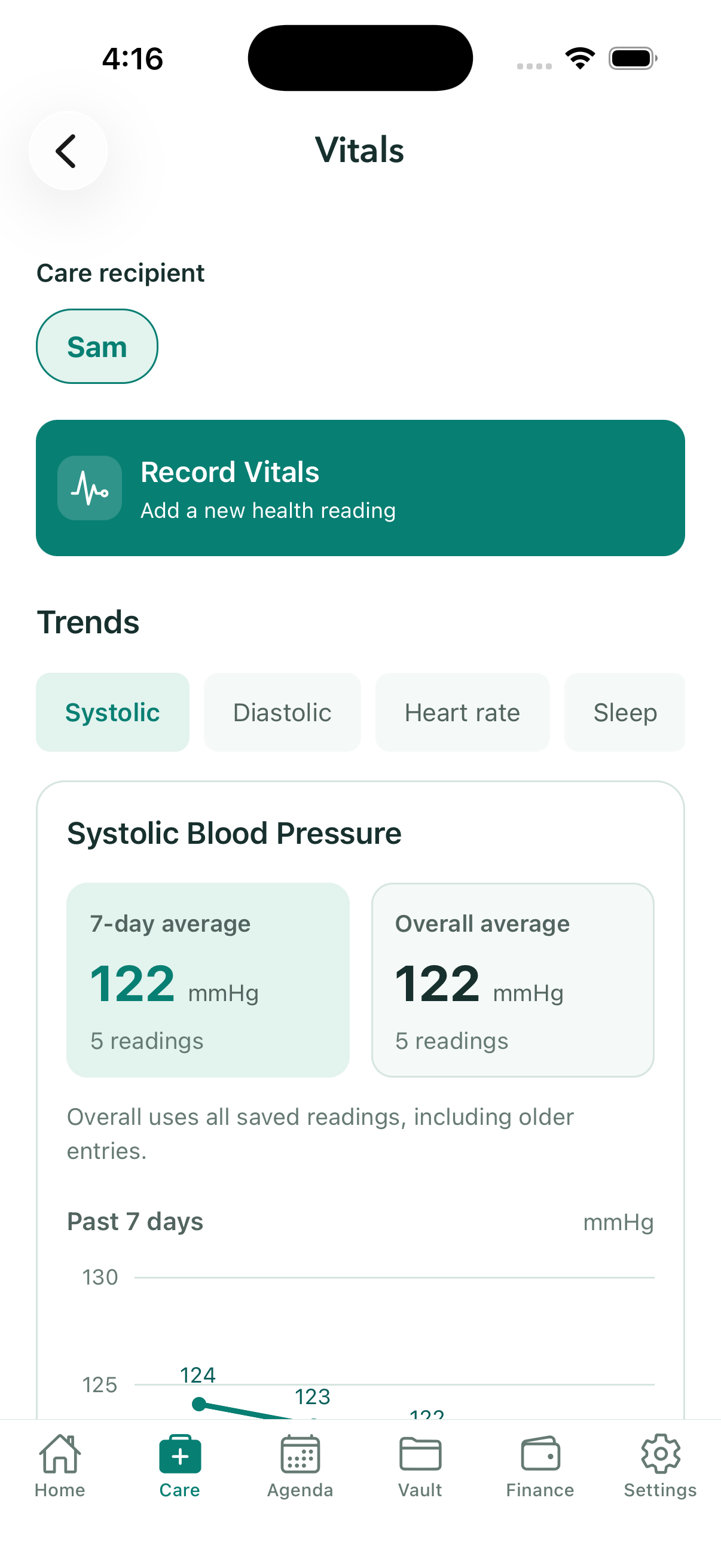
Bring everyday observations into the same place. Record vitals by typing, or use optional voice entry to create a draft you review before saving.
- Record blood pressure, heart rate, sleep quality, and notes.
- See the five latest readings, then browse the full history 20 at a time.
- Adult care recipients with accounts can record their own check-ins and vitals in the simple view.
The right document.
In a familiar place.
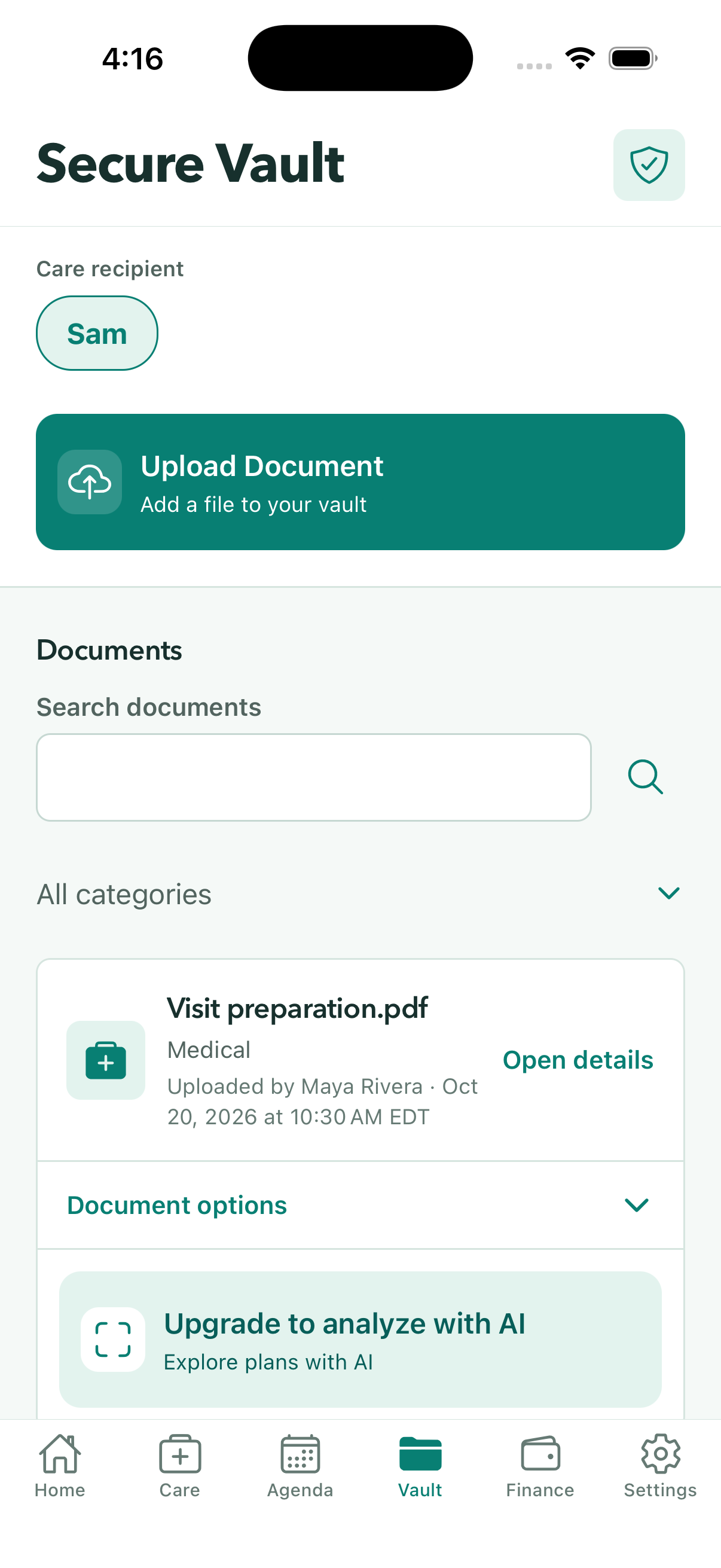
Give important paperwork a home alongside the rest of your care information. Organize uploaded documents and open them when you need to refer to the original.
- Keep documents associated with the right care recipient.
- See who uploaded each document and when, and browse by category.
- Appointment creators with document-management access can upload or link Vault files; each file keeps its sharing settings.
See the spending
behind the care.
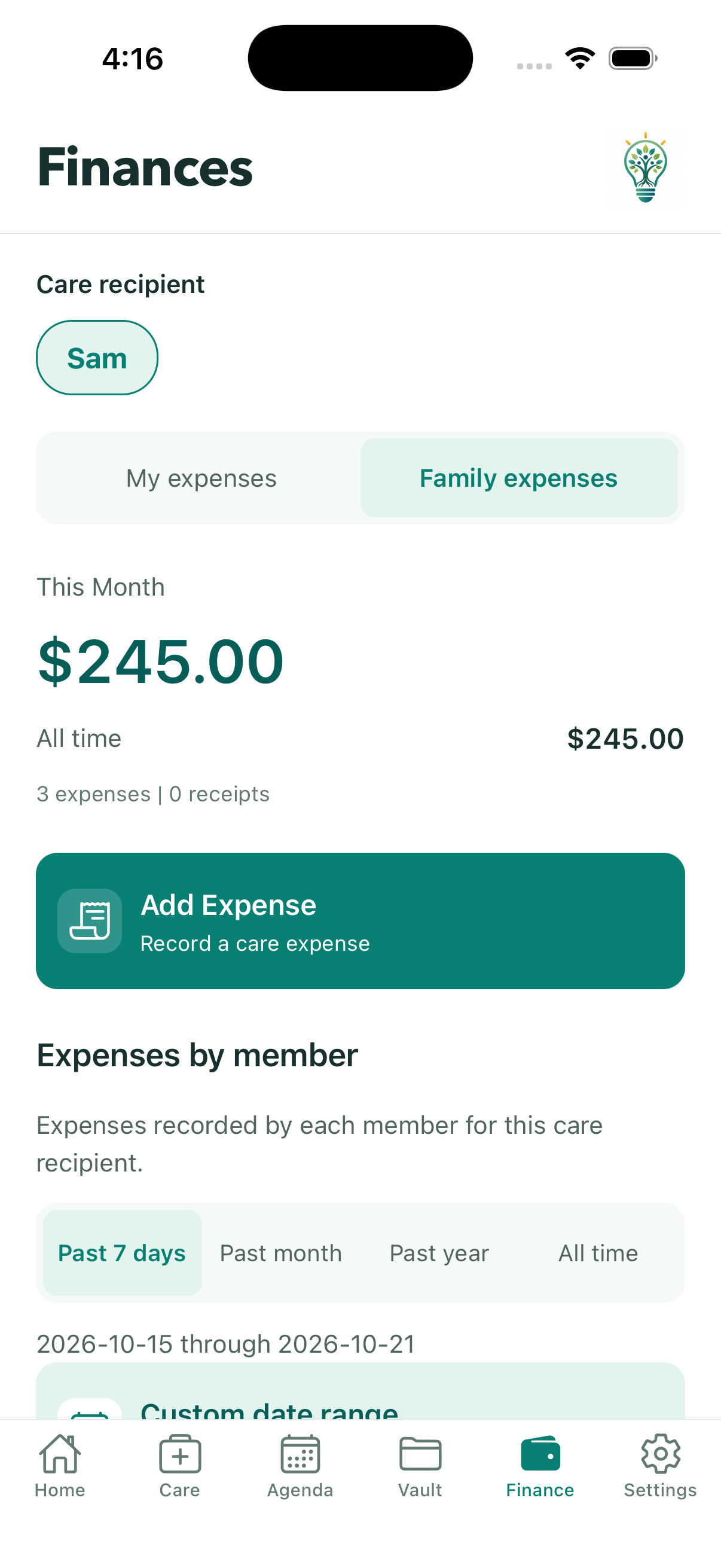
From pharmacy pickups to groceries, keep care expenses and receipts together. Switch between your expenses and family expenses to see which expenses each person recorded.
- Record amounts, categories, dates, and receipts.
- Compare your expenses with the family total.
- See expenses recorded by each family member for the past 7 days, month, year, or all time.
One appointment.
The details together.
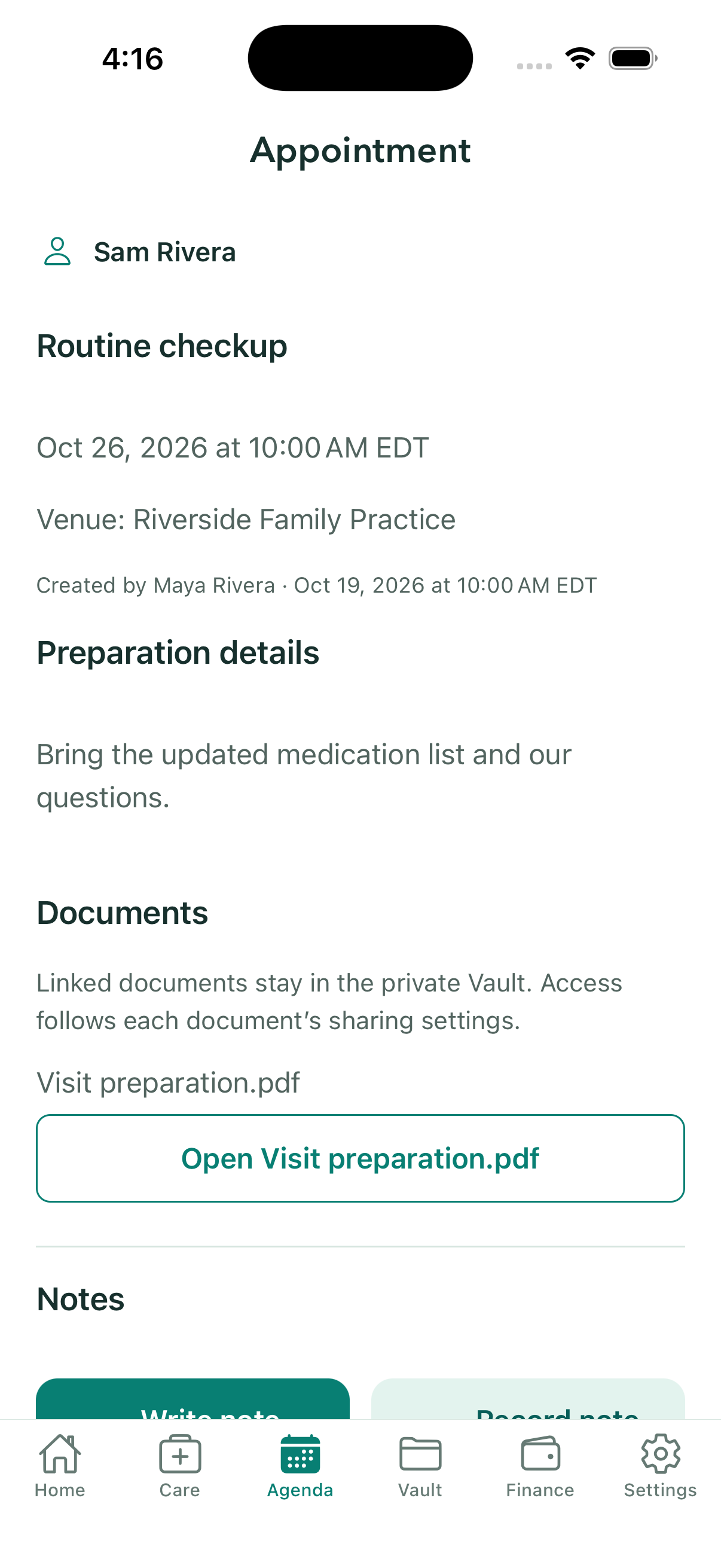
Give each appointment a place for preparation details, paperwork, and the notes your family wants to remember. The same documents remain available in Vault, and appointment notes also appear in Notes.
- Browse upcoming and past appointments in Agenda.
- Appointment creators with document-management access can upload a document for the visit or link an existing Vault file.
- Authorized family members and caregivers can write, import text, or record notes, with the creator and creation time visible.
A clearer view
of who helped.
The family views make everyday help easier to see. Named bar charts show who completed tasks and who recorded care expenses, so your family can understand the activity behind the totals.
- See completed tasks by the person who marked them complete.
- See expenses recorded by member, using existing expense records.
- Choose past 7 days, past month, past year, or all time on both charts.
A simpler view
for the person receiving care.
Care is a shared effort, and the person receiving it belongs in the conversation. KinLume’s simple view puts familiar actions within reach, with larger text and clear navigation.
- Check a schedule, log a dose, and record vitals.
- Add tasks and events, and edit those they created.
- View documents and expenses available for their care recipient profile.
A little help
catching up.
Get a starting point for catching up with the in-app assistant, a morning briefing, or document analysis. AI suggestions stay something to review and correct.
- Use the assistant, document analysis, or medication-label scanning with an AI plan and applicable permissions.
- See when a morning briefing was generated.
- Check a document summary against the original record.
AI plans include supported AI tools. Access also depends on your role and permissions. AI may make mistakes; confirm important details in the original records. Compare plans.
Manual entry remains available. AI and voice processing require the applicable data-sharing permissions. Learn about privacy & safety.
Make a little room
for being family.
Let KinLume help you keep up with the everyday details.